
Have you ever considered the notion that phishing emails are not just random spam but meticulously crafted schemes targeting you? It's essential to scrutinize the subtle signs that distinguish these fraudulent emails from legitimate ones. Analyzing elements like sender details and language used can unravel malicious intent. Your understanding, coupled with vigilant reporting, is key in thwarting these deceptions. Are you prepared to challenge these pervasive threats head-on?
Key Takeaways
- Identify phishing emails by scrutinizing sender details, links, and language for inconsistencies.
- Report phishing emails via official channels like ic3.gov or [email protected].
- Use email provider features, such as Google's or Microsoft's reporting options, to address phishing concerns.
- Phishing emails often mimic well-known brands and use urgent language for immediate compliance.
- Regularly update security protocols and train staff to enhance awareness and defense against phishing attempts.
Understanding the Anatomy of Phishing Emails
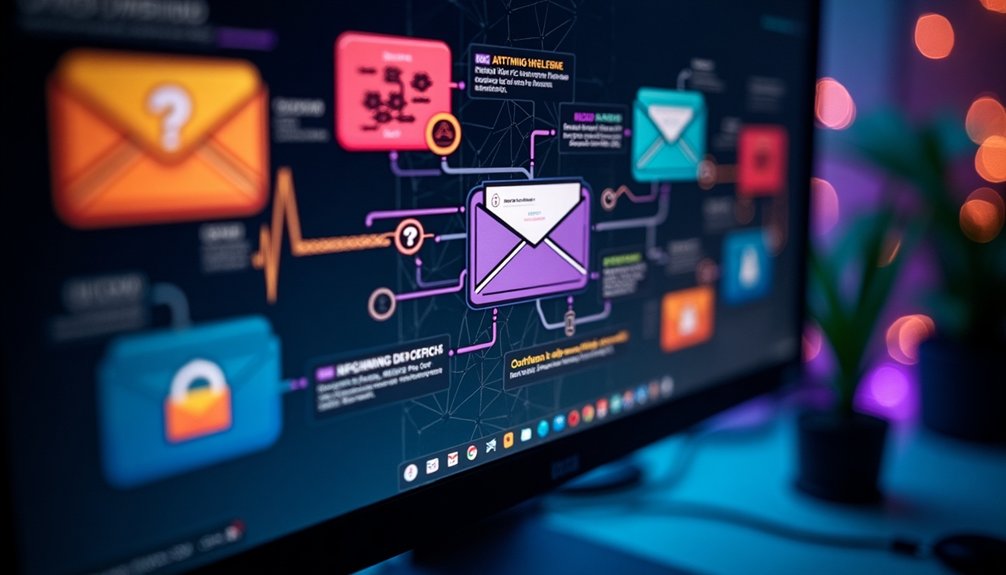
While analyzing phishing emails, understanding their anatomy is essential to identifying potential threats. When you explore crafting a thorough phishing email report, attentive observation is your ally.
Examine email headers for discrepancies that reveal fraudulent origins. Detecting these markers allows you to report phishing emails effectively. Pay close attention to sender names and email addresses that subtly mimic legitimate sources.
Links embedded within phishing emails often redirect to counterfeit sites, increasing urgency on how to report phishing activity. Scrutinize these suspicious details to fill your phishing report with precise information.
Identifying Common Phishing Tactics

Phishing tactics are constantly evolving, targeting unsuspecting individuals with sophisticated deceptions. You'll often encounter emails designed to mimic trusted sources, like your bank or a popular service, urging immediate action.
Look for urgent language and inconsistent email addresses—common red flags. The phishing report email may include requests to verify personal information urgently. To counteract these scams, knowing how to report phishing emails is essential.
Use specific channels, like reporting phishing via Microsoft by selecting “Report > Report phishing” in Outlook. Alternatively, send an email to report phishing incidents through dedicated addresses like [[email protected]](mailto:[email protected]).
Keep track of malicious activity by using platforms to report phishing websites. Your vigilance not only protects you but strengthens the collective resilience of your community.
Recent Trends in Phishing Scams

Understanding the importance of reporting phishing emails is just the beginning.
As you dive deeper into current phishing trends, you'll notice sophisticated patterns emerging. Attackers are increasingly impersonating trusted brands like Microsoft and Amazon, leading to a surge in phishing reports.
They craft emails that mimic authentic communication to trap unsuspecting users into giving up personal information. It's vital for you to differentiate between real and bogus messages and effectively use platforms like Gmail for phishing gmail reports or Microsoft Outlook for phishing microsoft reports.
Staying informed and proactive allows you to report Amazon phishing emails and other scams efficiently. By contributing your findings to the community, you help others combat these evolving threats and build a safer online environment for everyone.
Step-by-Step Guide to Reporting Phishing Attempts
Successfully reporting phishing attempts not only helps protect your own information but also aids organizations in curbing these malicious activities.
Start by identifying the phishing email. Then, determine where to report phishing emails based on your email provider and location. For instance, UK residents can report phishing emails by forwarding them to [[email protected]](mailto:[email protected]), whereas US residents often use [ic3.gov](https://ic3.gov) or [ReportFraud.ftc.gov](https://ReportFraud.ftc.gov) for phishing how to report actions.
Microsoft users can select the email and click "Report > Report phishing." If you encounter an email to report Amazon phishing or similar, always check the sender's address and any included links.
Understanding when to report phishing is essential; act immediately to stop these threats from spreading further.
Enhancing Your Personal and Organizational Defenses
When you bolster personal and organizational defenses against phishing, you greatly reduce the risk of falling victim to these devious scams.
Start by educating yourself on identifying phishing attempts and know when to report phishing emails. Regularly update security protocols and engage in awareness training for teams.
Increase your phishing report rate by understanding how to report a phishing text and where to report phishing texts effectively. Implement advanced spam filters and encourage colleagues to report phishing incidents.
Doing so helps create a culture of vigilance, facilitating a robust defense system. Always stay informed about security updates, and review policies to guarantee thorough protection.
You're not just safeguarding data; you're fostering a safe environment for everyone involved.
Conclusion
You've now mastered the art of spotting those oh-so-subtle phishing attempts that cybercriminals probably wish you couldn't. By pinpointing dubious headers and suspicious addresses, you, an unwitting guardian of digital domains, have the toolkit to prevent future scams. Ironically, while scammers try evolving their tactics, your newfound expertise is already a step ahead. So, don't just sigh at the next suspicious email—report it! You're now part of the vigilant defense against the digital underworld.