Best External Hard Drives & Portable SSDs Under $200 (2026 Buying Guide)
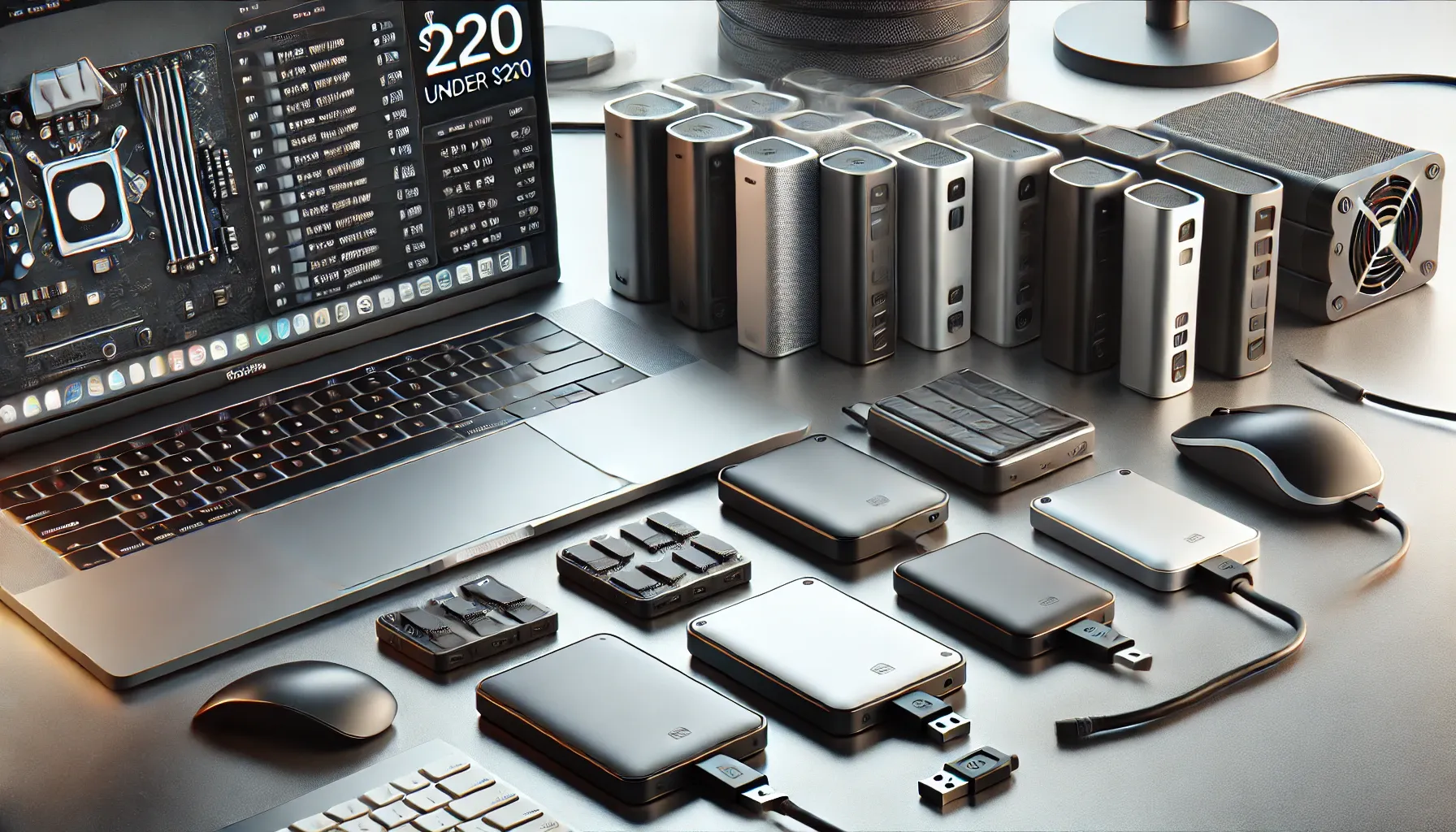
Whether you are an IT professional handling system images, a content creator editing 4K video on location, or a home user safeguarding years of family photos, buying the wrong external drive leads to painful bottlenecks, thermal throttling, or worse—catastrophic data loss.
With USB-C now ubiquitous and USB 3.2 Gen 2 (10Gbps) becoming standard, the external storage market has clearly split into two distinct categories: ultra-fast solid-state drives (SSDs) and high-capacity mechanical hard disk drives (HDDs).
Below is our enterprise-tested guide to the best external storage drives under $200 in 2026, evaluated for throughput, sustained write speeds, enclosure thermals, drop protection, and cost-per-terabyte.
🏆 Best External Hard Drives Under $200 (Speed, Durability & Price per TB)
| Drive Model | Category & Interface | Read / Write Speed | Drop & Water Rating | Best Capacity Under $200 | Ideal Use Case |
|---|---|---|---|---|---|
| Samsung T7 Shield | Rugged NVMe SSD (USB 3.2 Gen 2) | Up to 1,050 / 1,000 MB/s | IP65 / 3-Meter Drop | 2 TB (~$160–$185) | Best Overall: Outdoor creators, photo/video editing, heavy travel |
| Crucial X9 Pro | Compact NVMe SSD (USB 3.2 Gen 2) | Up to 1,050 / 1,050 MB/s | IP55 / 2-Meter Drop | 2 TB (~$145–$170) | Best Value SSD: Ultra-compact, fast sustained writes, everyday workflows |
| SanDisk Extreme (2026 Refresh) | High-Speed NVMe SSD (USB 3.2 Gen 2x2) | Up to 2,000 / 1,950 MB/s | IP65 / 3-Meter Drop | 1 TB – 2 TB (~$170–$199) | Best for Raw Speed: 4K/6K ProRes editing on compatible 20Gbps ports |
| WD My Passport (Portable HDD) | 2.5-inch Mechanical HDD (USB 3.2 Gen 1) | ~120–130 MB/s | Standard (No drop rating) | 5 TB (~$120–$140) | Best Portable Capacity: Bulk documents, laptop full system backups |
| WD Elements / Seagate Expansion Desktop | 3.5-inch Desktop HDD (USB 3.0/3.2) | ~180–210 MB/s | Desktop stationary only | 14 TB – 16 TB (~$189–$199) | Best Desktop Archive: NAS backup, massive cold storage libraries |
1. Rugged & High-Speed Portable NVMe SSDs (Top Picks for Speed & Portability)
If you are running active project files, editing media, backing up a laptop during business trips, or running virtual machines directly from external storage, an SSD is mandatory. Solid-state drives have zero moving parts, draw less transient power, and deliver transfer speeds 8x to 15x faster than mechanical drives.
🥇 Samsung T7 Shield (2TB) — The Enterprise & Creator Gold Standard
The Samsung T7 Shield remains the benchmark for reliable, rugged portable storage. Unlike standard aluminum enclosure drives that get scorching hot under sustained writes, Samsung wrapped the T7 Shield in a thick, grippy elastomeric silicone sleeve and engineered a Dynamic Thermal Guard to prevent sudden speed drops.
- Transfer Speed: Up to 1,050 MB/s Read, 1,000 MB/s Write (USB 3.2 Gen 2, 10 Gbps).
- Durability: IP65 water and dust resistance, certified to survive drops from up to 3 meters (9.8 ft) onto concrete.
- Hardware Security: Built-in AES 256-bit hardware encryption compatible with Windows, macOS, and Android.
- Consultant Note: Excellent sustained write buffer. Many budget SSDs slow down to 80 MB/s after transferring 30GB; the T7 Shield maintains high throughput even during 200GB+ uninterrupted file transfers.
🥈 Crucial X9 Pro (2TB) — Ultra-Compact & Best Price-to-Performance
Measuring just 65 x 50 mm (smaller than a credit card) and weighing only 38 grams, the Crucial X9 Pro packs a high-grade Micron TLC NAND flash drive into an anodized aluminum core with a soft-touch rubberized base.
- Transfer Speed: Up to 1,050 MB/s Read & Write.
- Durability: IP55 water/dust resistance and 2-meter drop protection.
- Integrated Activity LED: Has a discreet lanyard hole with an integrated read/write activity indicator LED.
- Consultant Note: If you want an SSD that disappears into a pocket or laptop sleeve without adding bulk, this is the top value pick under $170.
🚀 SanDisk Extreme Portable SSD (2026 Refresh) — Maximum Throughput for Power Users
SanDisk’s refreshed lineup provides bandwidth for high-end workstations and gaming rigs equipped with USB 3.2 Gen 2x2 (20 Gbps) ports.
- Transfer Speed: Up to 2,000 MB/s Read and Write on supported 20Gbps USB-C ports.
- Durability: Carabiner loop for clipping to camera bags, IP65 weather sealing.
- Consultant Note: Port check required. If your laptop only has standard 10Gbps USB-C (or Thunderbolt 3/4 ports that do not support Gen 2x2 tunneling), this drive will fall back to ~1,050 MB/s.
2. High-Capacity Backup Hard Drives (Top Picks for Maximum Terabytes)
If your goal is archiving cold data (old video archives, system images, Plex media, or multi-year document folders), speed is secondary to cost-per-terabyte. Mechanical HDDs offer massive storage volumes at a fraction of SSD prices.
📦 WD My Passport 5TB Portable HDD — Maximum Pocket Capacity
The WD My Passport remains the market leader for 2.5-inch bus-powered mechanical drives. It requires no external power brick—plugging directly into your laptop’s USB-A or USB-C port via adapter.
- Capacity & Price: 5TB for under $130 (~$26/TB).
- Speed: ~120–130 MB/s sequential read/write.
- Features: 256-bit AES hardware encryption via WD Security utility, automatic scheduled backup software.
- Limitation: As a spinning mechanical drive (5,400 RPM), it is sensitive to physical shocks while operating. Never move or disconnect the drive while the heads are actively writing.
🗄️ WD Elements Desktop / Seagate Expansion 14TB–16TB — Unbeatable Price-per-TB
For stationary home or office backups, 3.5-inch desktop external drives provide the absolute lowest storage cost available today.
- Capacity & Price: 14TB to 16TB frequently available on retail sales between $180 and $199 (~$12–$14/TB).
- Speed: ~190–210 MB/s (larger platters yield faster sequential read/write than 2.5” drives).
- Power Requirement: Requires the included 12V AC wall adapter.
- Ideal Setup: Connect directly to your router, network switch, or desktop dock as a primary local backup target or network share.
🛡️ Consultant’s Rule of Thumb: The 3-2-1 Backup Strategy
Having all your data on a single external drive is not a backup—it is simply a single point of failure. Drives fail, get stolen, suffer file corruption, or get dropped.
As an IT consultant, I require every client to implement the industry-standard 3-2-1 Backup Strategy:
[ Primary Working Data ]
          │
    ┌─────┴─────────────────────────┐
    ▼                               ▼
[ Copy 1: Local External SSD/HDD ]   [ Copy 2: Secondary / Network ]
    │
    ▼
[ Copy 3: Encrypted Offsite / Cloud Storage ]- 3 Copies of Data: Keep your primary working copy on your computer plus two separate backup copies.
- 2 Different Media Types: Use two different storage technologies to protect against systemic failure (e.g., your primary laptop internal NVMe SSD + a local external HDD/SSD or local NAS).
- 1 Copy Kept Offsite: Maintain at least one copy in a different physical location—either an encrypted cloud backup (e.g., OneDrive, Backblaze B2, AWS S3) or a physical hard drive stored in a fireproof safe or offsite office.
⚡ SSD vs. HDD: Which Storage Type Do You Actually Need?
| Feature | Portable NVMe SSD (e.g. Samsung T7) | Portable HDD (e.g. WD My Passport) | Desktop External HDD (e.g. WD Elements) |
|---|---|---|---|
| Typical Speed | 1,000 – 2,000 MB/s | 110 – 130 MB/s | 180 – 210 MB/s |
| Drop / Shock Tolerance | Extremely High (No moving parts) | Low (Mechanical heads & platters) | Zero (Stationary use only) |
| Cost per Terabyte | ~$75 – $95 / TB | ~$25 – $30 / TB | ~$12 – $15 / TB |
| Power Source | Bus-powered (USB-C) | Bus-powered (USB cable) | External 12V AC Power Adapter |
| Weight & Noise | Silent, under 60 grams | Whisper quiet, ~200 grams | Audible fan/platter hum, ~1,000+ grams |
| Best For | Active project work, OS boot drives, travel | Laptop document backups, student files | Long-term cold archiving, home media |
🔧 Critical Formatting & File System Compatibility Guide
When you unbox a new drive, avoid using proprietary bundled software to manage your files. Instead, choose the correct file system for your operating system ecosystem:
- exFAT (Recommended for Cross-Platform): Works natively on Windows 10/11, macOS, iPadOS, Linux, Android, and gaming consoles (PS5/Xbox). Supports files larger than 4GB. Format as exFAT if you switch between Mac and PC.
- NTFS (Windows Default): Best for Windows-only environments. Offers full journaling, file permissions, and BitLocker encryption support. Read-only on macOS without third-party drivers.
- APFS / Mac OS Extended (macOS Only): Required if you intend to use the external drive as an Apple Time Machine backup destination.
❓ Frequently Asked Questions (FAQ)
Is an SSD or HDD better for long-term cold storage?
For drives disconnected and placed on a shelf for 3+ years without power (“cold storage”), mechanical HDDs are generally superior. NAND flash memory in SSDs relies on electrical charges stored in microscopic floating gates, which can slowly leak charge over several years of total power detachment (data degradation). For active backups plugged in periodically, SSDs are far more durable because they cannot suffer mechanical head crashes or motor seizures.
Why is my external SSD not hitting the advertised 1,050 MB/s or 2,000 MB/s?
Drive speeds depend on the host port and cable:
- Connecting a 1,050 MB/s drive to an older USB 3.0 / USB 3.2 Gen 1 port caps transfer speeds at ~450–500 MB/s.
- Using a cheap charging-only USB-C cable caps speeds at USB 2.0 speeds (~40 MB/s).
- Achieving 2,000 MB/s on Gen 2x2 drives requires a dedicated USB 3.2 Gen 2x2 host controller port.
Can I run games or edit 4K video directly from an external drive?
Yes, but only from an external NVMe SSD (such as the Samsung T7 Shield or Crucial X9 Pro). Mechanical HDDs have high seek latencies (12–18ms vs. 0.05ms on SSDs), which will cause severe asset pop-in, hitching, and slow loading screens in modern games.
Do I need to safely eject external drives before unplugging?
Yes. While Windows enables “Quick Removal” by default for many USB drives, active write caching or background indexing can still corrupt the file system table if unplugged mid-write. Always safely unmount/eject via your taskbar or Finder before disconnecting.
🎯 Summary & Final Verdict
For under $200 in 2026:
- If your priority is everyday speed, durability, and on-the-go security, grab the Samsung T7 Shield 2TB or Crucial X9 Pro 2TB.
- If you need maximum portable capacity for regular backups, pick up the WD 5TB My Passport.
- If you need an immense stationary backup vault for your home office, choose a 14TB–16TB WD Elements or Seagate Expansion Desktop Drive.